- Home
- Industries
- Universities
Wayfinding for universities and campuses
A room number rarely tells you which building to look in, and classes are often spread across campuses in different parts of the city. AddNavi guides students, applicants and guests to the room, the lecturer’s office or the dean’s office.
What people visiting a campus struggle with
First-year students and applicants
First-year students and applicants visiting the university on open days know neither the buildings nor the room numbering system.
Lecturers’ office hours
Students need up-to-date information on where lecturers’ offices are and when their office hours take place.
International guests
Students on exchange programmes and conference participants often do not speak Polish.
The porter’s lodge as an information desk
Porters and dean’s office staff give directions, particularly often at the start of the academic year.
AddNavi guides students and guests to lecture rooms, offices and dean’s offices, even in buildings they are visiting for the first time.
One system covers all of the university’s campuses, even in different parts of the city.
From the campus gate to the lecture hall
Finding a room or a person
The student types a room number, the name of a unit or a lecturer’s surname. For a lecturer, the office and office hours are shown.
The room from the timetable
With an integration with USOS or another university system, the student picks a class from the timetable and gets the route to the room.
The route on the phone
After scanning a QR code, the route moves to the phone and continues across the campus.
Example: the first week of an exchange
A student from Spain arrives for an exchange semester. Her first lecture is on Monday at 8:15, and her timetable only gives the room number: C-1.10.
On the kiosk at the campus entrance she picks Spanish and types the room number. The route leads to building C at the far end of the campus and to the lecture hall on the first floor. After the lecture she looks up the lecturer’s name and checks where the office is and when the office hours are.
Wayfinding features for universities
Rooms, units, lecturers
One search for rooms, units and people. For lecturers, the office and office hours.
Timetable
With an integration with USOS or another university system, rooms from the timetable are right there in the search.
Several campuses
All of the university’s buildings and campuses in one system.
Accessibility
WCAG 2.2 AA compliance. In accessibility mode, routes use lifts and avoid stairs.
Multiple languages
Interface and descriptions in the languages of exchange students and conference guests.
Events at the university
The programme of conferences and open days on the kiosk, with a route to the room.
Information kiosks for universities
A wide range of kiosks and turnkey designs that blend into the site’s architecture and visual identity.
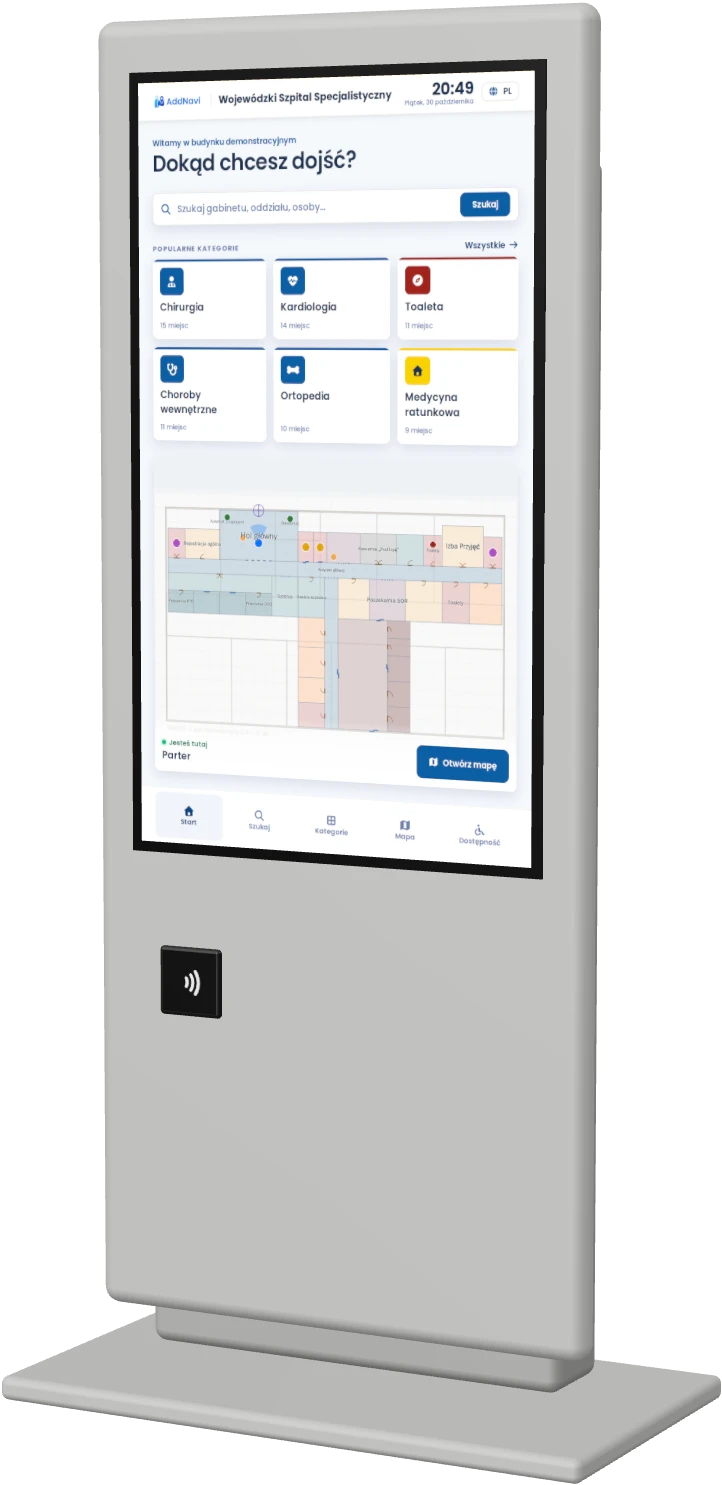
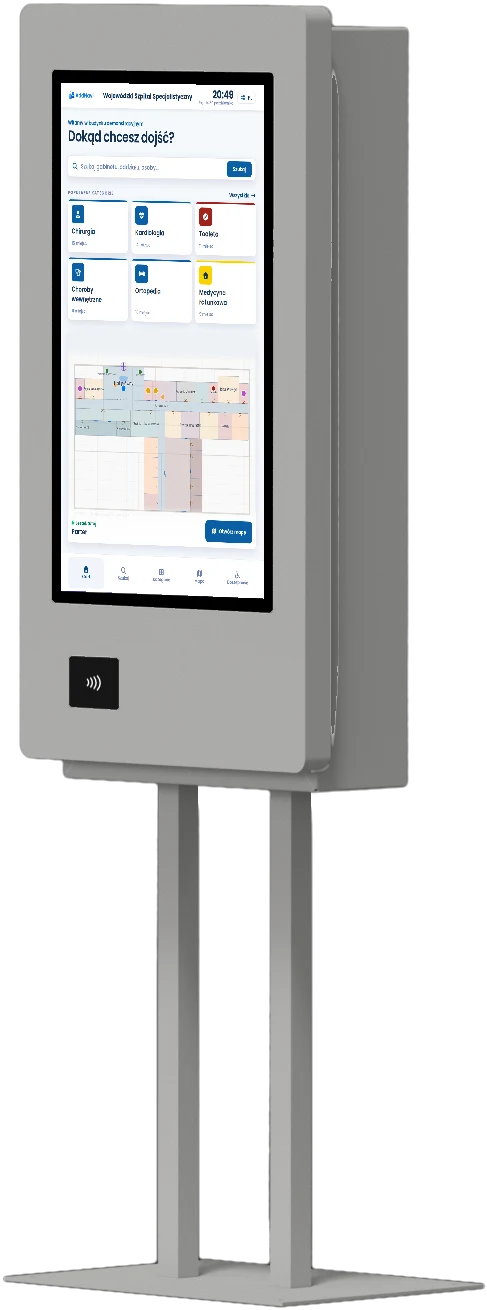
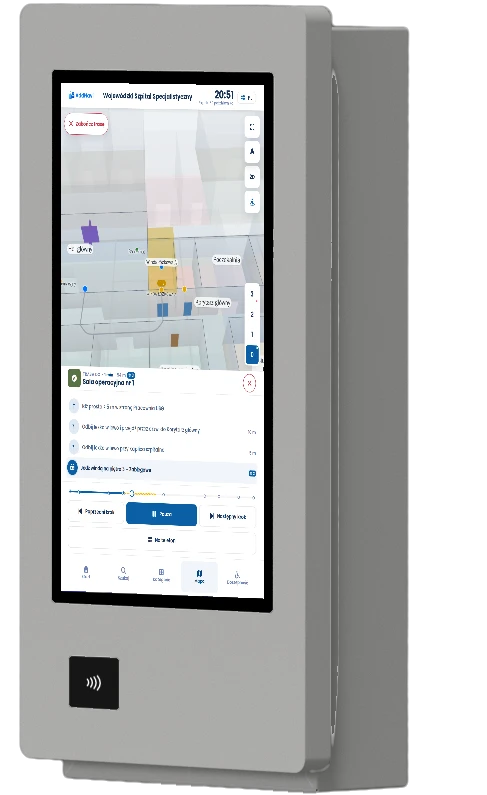
Example proposals from the available models for this industry.
Questions about university wayfinding
Can AddNavi find the room from the timetable?
Yes. With an integration with USOS or another university system, students pick a class from their timetable and get the route to the room. The AddNavi deployment team delivers each integration individually.
Can visitors search for a lecturer?
Yes. After typing a surname, students see the lecturer’s office, office hours and the route there. Administrators enter the data in the panel, or it is synchronised from the university’s system.
Can one system cover several campuses?
Yes. All of the university’s campuses and buildings are in one system, even when they are in different parts of the city. Each kiosk guides people from where it stands.
Can the kiosk show events at the university?
Yes. The kiosk and the phone show the programme of conferences, open days and other events, and guide visitors to the room where they take place.
Who updates the map when buildings change?
The layout change is reported to the AddNavi deployment team, which updates the map. The university’s administrator changes descriptions, opening hours and lecturer details in the panel.
Does AddNavi meet accessibility requirements?
Yes. The application meets WCAG 2.2 at level AA. The kiosk’s accessibility mode uses step-free routes and moves the controls within reach of a wheelchair user.
AddNavi in other industries
Talk to an expert
An AddNavi expert will discuss the specifics of the site and tailor the scope of the deployment.
- E-mailhello@addnavi.com
- Phone+48 51 500 60 70
- AddressAddictive Group Sp. z o.o.
al. Józefa Piłsudskiego 92, 92-202 Łódź, Poland