- Home
- Industries
- Outdoor events
Wayfinding for festivals and concerts
A festival site is built for a few days and looks different every edition. Visitors do not know it and look for a stage, food or first aid in the middle of a crowd. AddNavi guides them there and shows the programme and the organiser’s announcements.
What visitors at large events struggle with
Programme changes
News of a change in a concert’s time or stage does not reach all participants in time.
Crowds
In a crowd, signage is hard to see, and many people head for the same places at once.
Staff as an information desk
Volunteers and security staff answer questions about directions throughout the event.
International visitors
Participants from abroad cannot understand announcements made only in Polish.
Safety
In an emergency, a participant must quickly find a first aid point and the nearest emergency exit.
AddNavi guides participants to the right stage, to the food areas and to the nearest exit, even when the programme changes.
AddNavi can be deployed for a single event, with kiosks and a map prepared for that edition.
From the entrance to the stage
Finding the destination
The visitor picks a stage, a food area, toilets or a first aid point, or looks for a concert in the programme.
The route on the phone
A QR code on a kiosk or a sign moves the route to the phone, with no app to install.
The organiser’s announcements
When a concert changes time or an entrance closes, the organiser shows an announcement on the kiosks and in the phone map.
Example: a concert moved to another stage
A festival-goer comes through the gate after the wristband check. He wants to make it to a concert at 7:30 pm. On the kiosk past the gate he looks it up in the programme and sees a notice from the organiser: the concert has moved to the forest stage.
The route runs through the food area to the new stage. If he scans the QR code, he will have the route on his phone and will see the next notice there if the programme changes again.
Wayfinding features for outdoor events
Places on the grounds
One search for stages, food, toilets, cloakrooms and information points.
Event programme
The concert programme on the kiosk and the phone, with a route to the stage.
Live announcements
Changes to times, stages and entrances show up straight away on kiosks and phones.
Safety
First aid points and emergency exits marked on the map, with a route to each of them.
Multiple languages
Interface, descriptions and announcements in the visitors’ languages.
What visitors look for
Search and route analytics show the organiser which places visitors look for most often.
Outdoor kiosks for events
A wide range of kiosks and turnkey designs that blend into the site’s architecture and visual identity.
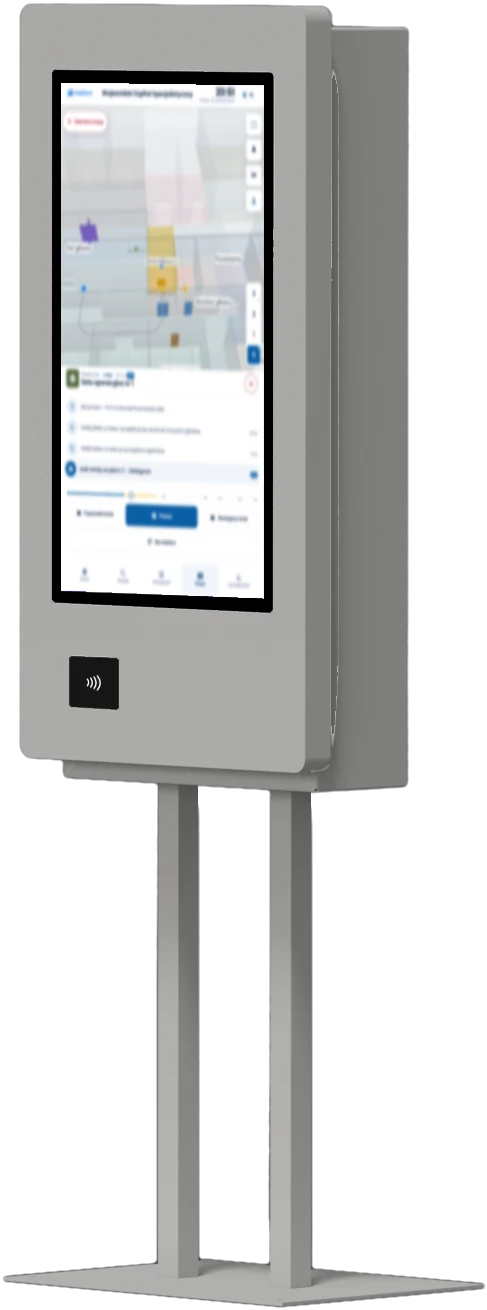
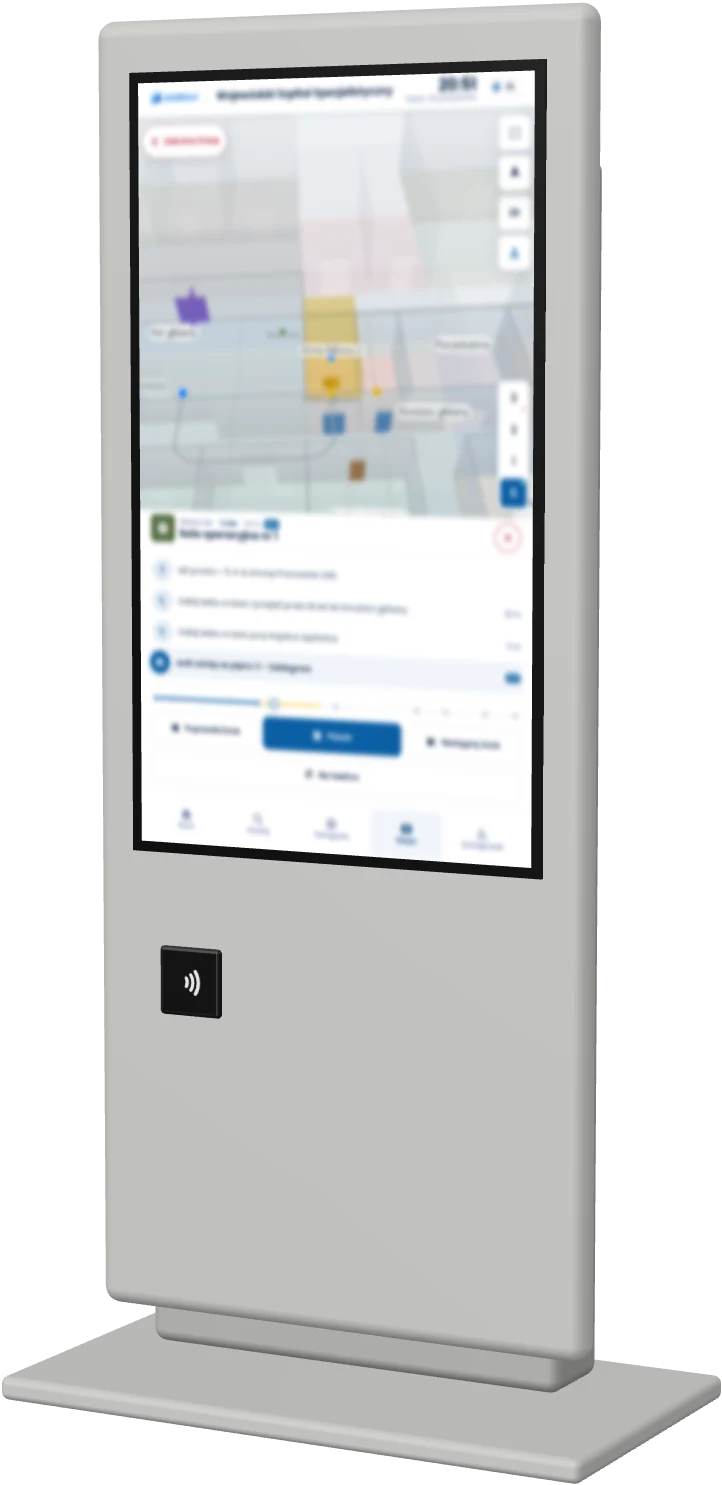
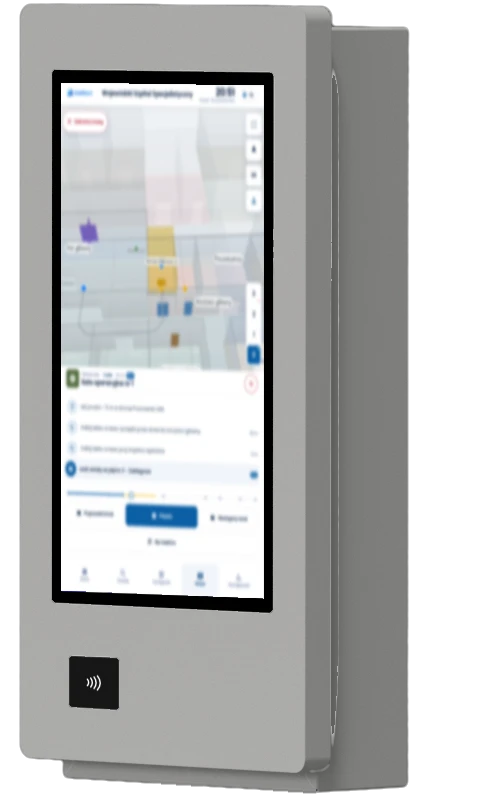
Example proposals from the available models for this industry.
Questions about wayfinding at events
Can AddNavi be deployed for a single event?
Yes. The AddNavi deployment team prepares the map of the grounds for that edition, and the kiosks stay on site for the duration of the event.
How are programme changes passed on to visitors?
The organiser enters an announcement in the panel, and the kiosks and the phone map show it straight away, for example a new concert time or a closed entrance.
Does the map show emergency exits and first aid points?
Yes. Emergency exits, first aid points and information points are marked on the map, and visitors can get a route to any of them.
Do the kiosks work outdoors?
Yes. Outdoor kiosks are weatherproof and vandal-resistant, and their screens are readable in full sunlight.
Do visitors have to install an app?
No. The map opens in the phone’s browser after scanning a QR code on a kiosk or on a sign on the grounds.
Which languages does AddNavi support?
The languages of the event’s visitors. The set of languages is agreed during deployment.
AddNavi in other industries
Talk to an expert
An AddNavi expert will discuss the specifics of the site and tailor the scope of the deployment.
- E-mailhello@addnavi.com
- Phone+48 51 500 60 70
- AddressAddictive Group Sp. z o.o.
al. Józefa Piłsudskiego 92, 92-202 Łódź, Poland