- Home
- Industries
- Hospitals and healthcare
Wayfinding for hospitals and medical facilities
A hospital means dozens of wards, diagnostic units and clinics, often across several buildings. AddNavi guides patients and visitors from the entrance to their destination, takes the load off registration and looks after those who find it hardest to get there.
Why patients get lost in hospitals
Late for appointments and tests
Patients get lost between buildings and floors, and every late arrival pushes back the next appointments.
Registration as an information desk
Registration and staff spend much of the day answering questions about directions.
Patients with reduced mobility
They need a route that uses lifts and avoids stairs.
New staff and residents
With staff turnover, new people have to learn the hospital layout.
Relocated clinics
When a clinic moves, the signs have to be replaced.
Patients from abroad
Patients who do not speak Polish cannot follow the signs or the directions given at registration.
Patients find their own way to clinics, diagnostic units and wards, so registration answers fewer questions about directions.
From the entrance to the consulting room, across floors and buildings
Finding the destination
The patient types the name of a clinic, a diagnostic unit or a doctor, or picks a category on the start screen.
Lift or stairs
When the destination is on another floor, the patient chooses the way. In accessibility mode the system goes step-free straight away.
The route in hand
Step-by-step directions on the kiosk, then on the phone after scanning a QR code.
Hospital wayfinding features
Clinics, units, doctors
One search for places and people, by name too.
Information cards
Opening hours, contact details and descriptions for every place.
Accessibility mode
Step-free routes, controls within reach of a wheelchair user, large text.
Floors and buildings
Routes by lift or stairs, also between hospital buildings.
An up-to-date map
The AddNavi deployment team updates the map when clinics move.
What patients look for
Search and route analytics show what patients look for most often.
Information kiosks for hospitals and clinics
A wide range of kiosks and turnkey designs that blend into the site’s architecture and visual identity.
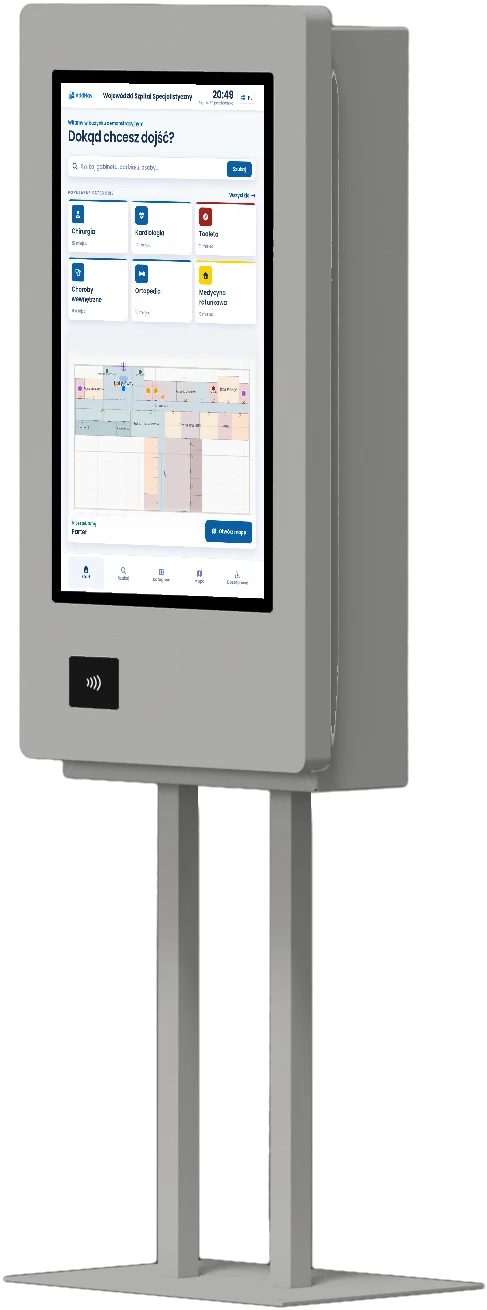
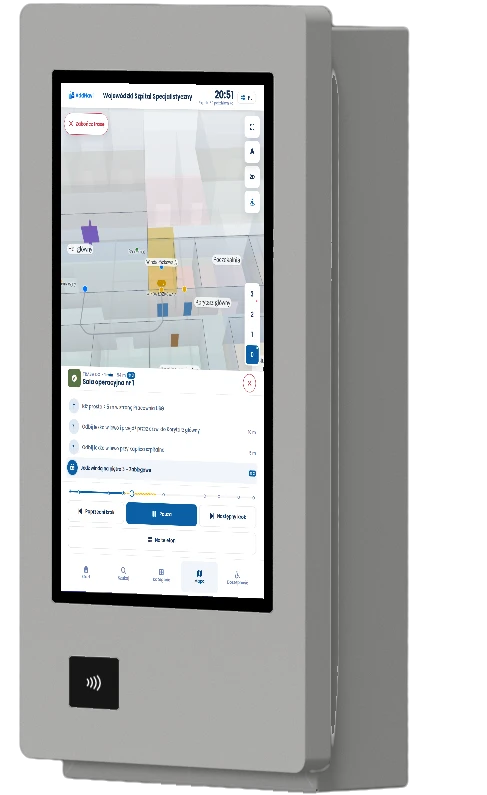
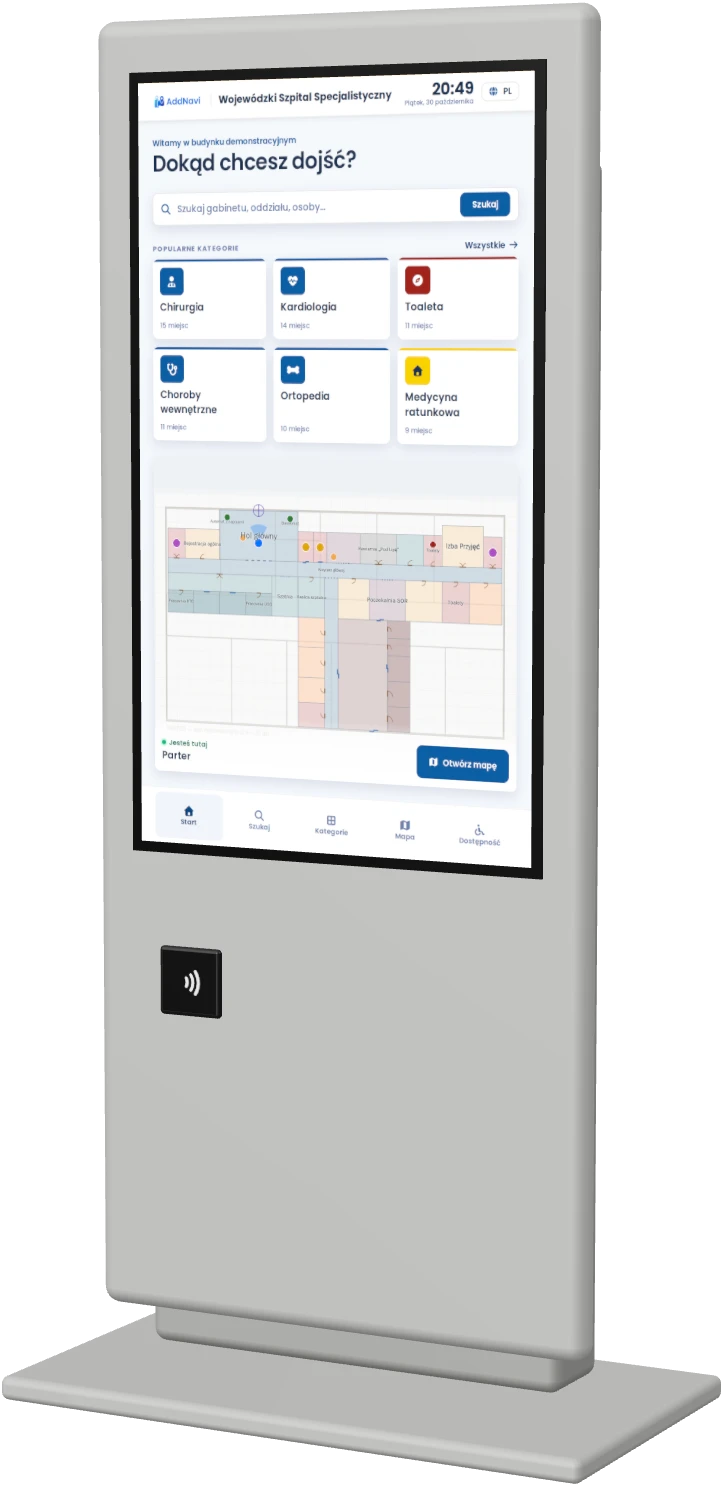
Example proposals from the available models for this industry.
Questions about hospital wayfinding
Does AddNavi connect to the hospital information system?
Yes. AddNavi can be integrated with the hospital information system or the queue management system. After registering, the patient then gets the route to the consulting room on the kiosk or as a QR code on a printout. The AddNavi deployment team delivers each integration individually.
Where do the doctors and clinics in the search come from?
Administrators enter them in the panel, or they are synchronised from the hospital’s system. Patients find a doctor by surname and a clinic by name.
How is kiosk hygiene handled?
Kiosk screens withstand daily disinfection, and enclosures and screens are available with an antibacterial coating. Patients can also scan a QR code and continue on their own phone.
What happens when a ward is closed or under renovation?
A closed ward, passage or lift can be excluded from routing for the duration of the works. Patient routes also avoid staff-only areas.
Who updates the map when a clinic moves?
The layout change is reported to the AddNavi deployment team, which updates the map. The hospital’s administrator changes descriptions, opening hours and doctors in the panel.
Does AddNavi meet accessibility requirements?
Yes. The application meets WCAG 2.2 at level AA. The kiosk’s accessibility mode uses step-free routes and moves the controls within reach of a wheelchair user.
AddNavi in other industries
Talk to an expert
An AddNavi expert will discuss the specifics of the site and tailor the scope of the deployment.
- E-mailhello@addnavi.com
- Phone+48 51 500 60 70
- AddressAddictive Group Sp. z o.o.
al. Józefa Piłsudskiego 92, 92-202 Łódź, Poland